
If you run Local Services Ads, the dashboard you log into is going away. Google is folding Local Services Ads into Google Ads, where your ads will run as a Performance Max campaign built around pay-per-lead goals. The ads themselves are not going anywhere. You will still sit at the top of Search and Maps, and you will still pay for leads instead of clicks. What changes is where you manage everything, how your budget is counted, and how much control you keep over what a lead costs you.
The timing is what makes this urgent. The first accounts move in August 2026, and Google is starting with US home service categories: pest control, plumbing, HVAC, electrical, appliance repair, house cleaning, lawn care, roofing, and moving. If that is your trade, this lands on you first.
What Google announced about Local Services Ads, and when it hits your trade
Google is retiring the separate Local Services Ads platform and migrating every campaign into Google Ads as a specialized Performance Max campaign type, per Search Engine Journal’s coverage of the announcement. Google says the rollout runs in three phases. Home and storefront service businesses in the US go first in August 2026. Service area businesses without a storefront, plus accounts with custom bidding or booking setups, follow in late 2026. Everyone else, including accounts outside the US, moves in 2027.
You will not be surprised by it. Google emails the account administrator 14 days before your migration date, sends a reminder at 7 days, and confirms when the move is done. The migration itself is automatic. Your service categories, target areas, budget, schedule, and photos all transfer without you touching anything.
What stays the same
Before anything else, here is what does not change, because this is where most owners worry first:
- You still pay per lead, not per click. Valid calls and messages are what you are charged for, same as today.
- Your ads show in the same spots. Top of Google Search and Google Maps, same positions as before.
- No keywords to manage. Targeting still runs on your service categories and the areas you cover.
Your Google Verified badge carries over too. If you already passed background checks and license verification, you do not redo any of it.
What actually changes
The Local Services Ads dashboard shuts off on your migration day. Log in afterward and you get redirected to Google Ads. From then on, everything lives there: budgets, targeting, pausing and resuming, and your leads. The Lead Manager moves into Google Ads under Goals, then Conversions, then Leads. You can still see charged status, listen to calls, reply to messages, rate leads through the lead feedback form, and download everything for your records.
The one-way door: your old performance reports do not come with you. Google is not carrying historical Local Services Ads reporting into Google Ads, and once your account migrates, the old dashboard and everything in it is unreachable. If you want your history, you have to download it before your migration day. More on that below, because it is the single thing you cannot fix after the fact.
Better Business Bureau callouts are also being dropped. In their place, Google lets you pick structured callouts, things like business hours, specialties, and payment methods, and recommends selecting at least 6 of them so your ad still stands out.
Your budget math changes from weekly to daily
Local Services Ads has always used a weekly budget. Google Ads runs on daily budgets, so on migration day your weekly number gets divided by 7. Your real spending limit becomes monthly: daily budget times 30.4, the average number of days in a month. Google will not bill you past that cap.
Here is the part to watch. Daily spend is allowed to swing on high-demand days. A hot week after a storm can spend faster than your old weekly rhythm did, and the month evens it out. Nothing is broken when that happens, but if you have been used to a steady weekly number, the first spiky Tuesday can look alarming. Know it is coming and check the monthly total, not the daily one.
Bidding: the manual cost per lead cap is going away
This is the biggest real loss of control in the move. Today you can set a maximum you are willing to pay per lead. After migration, manual bidding is gone. Campaigns run on Target CPA, where you set an average cost per lead goal and Google’s bidding works toward it.
It gets more specific for multi-trade operations. If you run, say, plumbing and HVAC under one account with different lead targets for each, Google will blend them into one campaign-level target applied across the board. The only way to keep separate cost per lead goals after the move is to run a separate campaign for each trade. That is a structure decision worth making on purpose, not one to let a migration script make for you. It is exactly the kind of setup call a local service ads management partner should be walking you through before your date arrives.
Your Google Business Profile matters more now
After migration, your business name, address, and hours sync one way from your Google Business Profile into your ads. Want to change them? You change them on the profile, and the ads follow. That makes keeping your profile accurate a bigger deal than it already was.
There is a catch worth planning around: a significant change to your business name or address triggers a verification review that takes 24 to 48 hours, and your campaign can pause while it runs. Rebranding or moving shops? Do it well before or well after your migration window, not during it. Other details like photos and service areas can still be set separately for your ads.
What to do before your migration email lands
Everything above is manageable if you get ahead of it. Four moves, in order of urgency:
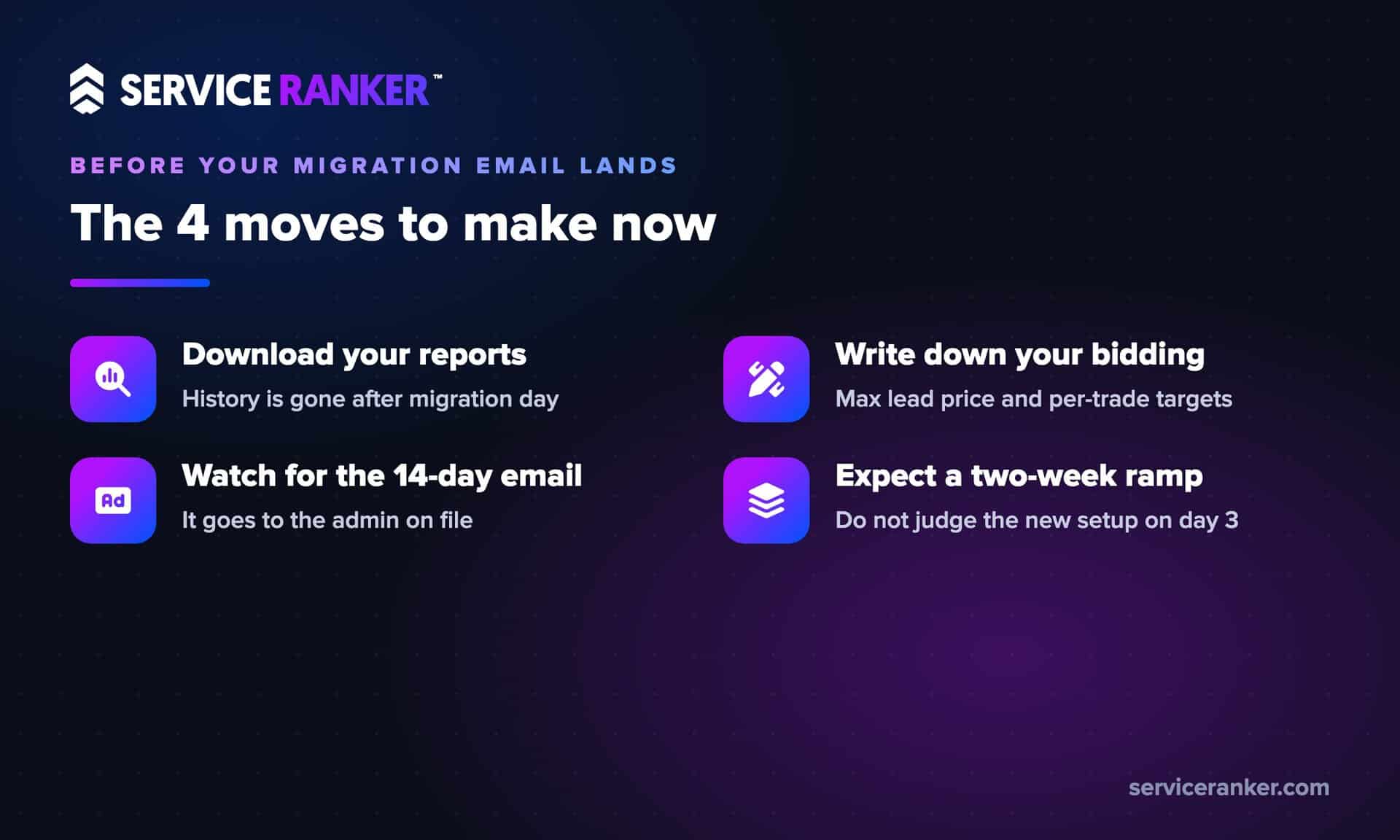
- Download your historical reports now. Lead history, spend, charged leads, all of it. This is the only irreversible piece of the whole migration. Once your account moves, the old dashboard is gone for good.
- Write down your current bidding setup. If you use a max lead price, or different targets per trade, screenshot them. You will want those numbers when you rebuild targets in Google Ads.
- Watch for the 14-day email. It goes to the account administrator on file. If that inbox is an old email nobody checks, fix that this week.
- Expect a ramp, not a light switch. Google says plan for up to two weeks before the migrated campaign fully stabilizes. Do not judge the new setup on day three.
On the accounts we manage in wave-one trades, we are doing the report backups and bidding snapshots now, ahead of the first notice emails, and splitting campaigns where an owner runs more than one trade. None of it is hard. All of it is easier before the deadline than after.
The bigger picture: the era of Local Services Ads as the simple, set-it-yourself channel is ending. Inside Google Ads it is more capable and more connected, and also more of a real advertising platform to operate. If you would rather not become a Google Ads operator on top of running your crews, we manage Local Services Ads for home service businesses through the migration and beyond. You run the jobs, we keep the leads coming.