
You open your Google Business Profile performance report and the views look healthy. Plenty of people saw your business on Google this month. Then you look at your phone, and it barely rang. If you’re dealing with a Google Business Profile not getting calls even though it gets seen, you’re not imagining the gap, and it usually isn’t a mystery either.
Here is the short answer. Views count people who saw your profile, not people ready to call. When views don’t turn into calls, the cause is usually the searches you show up for, which comes back to your primary category, plus four basics a homeowner checks in seconds: the call button, your hours, photos of real work and the first reviews they read. Each one is fixable, and none of them require a bigger budget.
What Google Business Profile views and calls actually count
Profile views measure exposure, and calls measure taps, so neither number means what most owners assume. Google defines Views as “how many people viewed your Business Profile on Search and Maps,” counting unique visitors, and notes that “a person can only be counted once a day.” Calls are “the number of times a customer clicked on the call button on your Business Profile” (Google Business Profile Help).
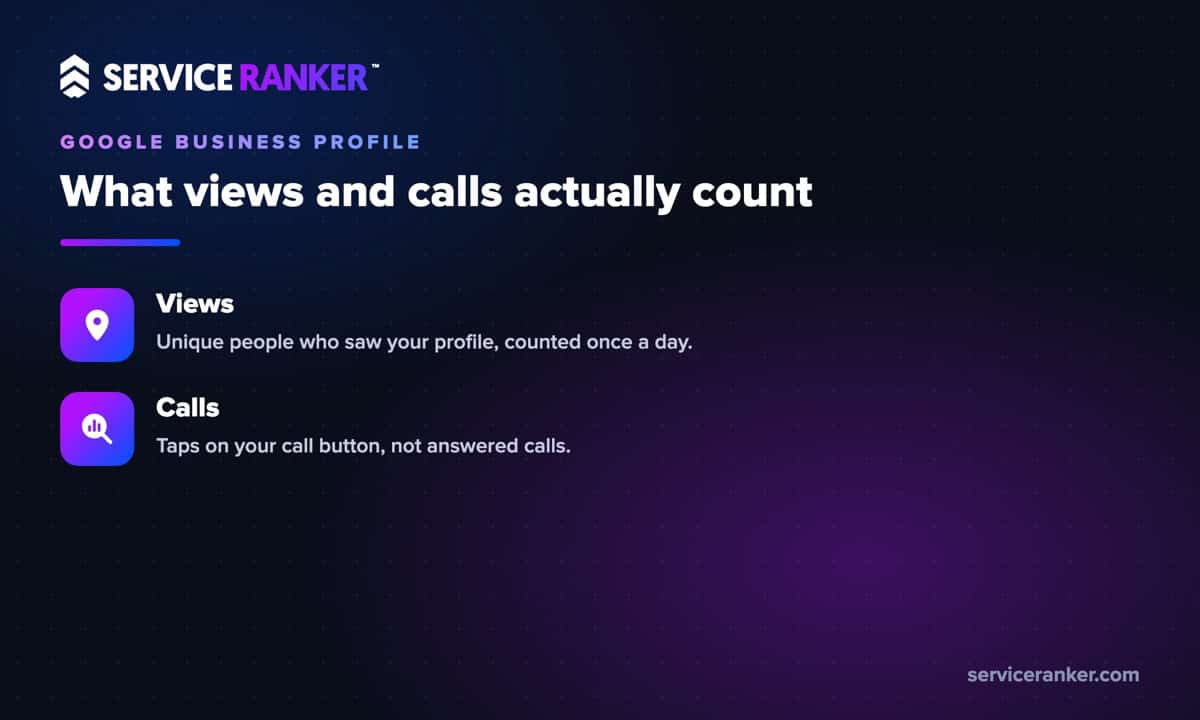
Put those together and the gap starts to make sense. A view can be a neighbor looking up your address, a past customer searching your name, or someone comparing three companies who calls one of the others. Google also says the performance data includes views and actions from Google Ads, not just free listings. And a call tap is not a connected call. If your Calls number looks higher than the calls you actually took, test the line before you change anything else.
The same mismatch shows up in paid search, where Google Ads get clicks but not calls for many of the same reasons. In both places, the fix starts with knowing who is behind the number.
Check which searches bring the views
The fastest way to diagnose a profile with views and no calls is the Searches report in your performance data. Google describes it as “the search terms people used to find your business,” and those terms tell you whether the views come from people who need your service or from searches that only brush against it.
We learned this on our own profile. Our Buda Google Business Profile reached the top of the local map results for its core searches within about the first month. Showing up first did not, on its own, make the phone ring. Some of the searches putting us at the top weren’t coming from the home service owners we work with, so the views looked strong while the calls lagged. That’s why we start every profile review with the basics below.
If your top search terms are vague, off-topic or mostly your own business name, that’s a relevance problem, not a ranking problem. The fix usually starts with your categories and your services list.
Get the primary category right for the calls you want
Your primary category shapes which searches your profile shows up for, so it should name the main job that pays your bills. Google says “the categories you select affect your local ranking on Google” and tells owners to “select a primary category that best describes your business” (Google Business Profile Help).
For a home service business that usually means the specific trade, such as Plumber, Pest control service or Roofing contractor, rather than a broad label that matches every kind of search. Google’s profile guide lets you add up to 9 more categories for the other work you do, but warns against using categories “solely as keywords” (Google Business Profile Help). Pick the few that match real services, then fill in your services list so the profile spells out the jobs you want calls for.
Getting the category and services right is the core of local SEO for home service businesses, because it changes which searches you show up for, and that changes who is behind your views.
Make the call button easy to tap and answer
The call button only shows up when your profile has a visible phone number, and it only helps if someone answers. Google lets owners hide the number with a “Don’t show” setting, and a profile with a hidden or missing number gives a homeowner nothing to tap. That’s the usual answer when owners ask why the call option is not showing on their profile.
Test it yourself from a mobile phone. Search your business on Google Maps, tap Call and see what happens. Does it ring a line someone picks up during the hours you list? Does it go to a full voicemail box or an old number? A homeowner with a leaking pipe won’t leave a message and wait. They’ll go back and tap the next profile.
Missed calls are where a lot of profile calls disappear. If your team can’t always pick up, a missed-call text back keeps the homeowner talking to you instead of a competitor until someone can call back.
Set hours that match when people search
Your listed hours should match when you actually answer the phone, because a profile that shows closed gives a homeowner a reason to keep scrolling. Google lets you set main hours, special hours for holidays and temporary changes, and separate hours for different parts of your business.
This matters most for emergency trades. If you take after-hours calls for burst pipes, no heat or a tow, say so in your hours and your services. If you don’t, don’t claim it. Hours you don’t keep turn into missed calls and angry reviews, which costs you more than the calls you were hoping to win.
Show photos of real work
Photos of real jobs tell a homeowner you’re an active, local business, and Google asks for them directly. Its guidance for photos at work is to “add at least three photos that are representative of the services you offer,” and it says photos should represent reality, without significant alterations or excessive filters or AI (Google Business Profile Help).
For a home service business, that means your trucks, your techs on a job, before and after shots, and your team. A profile with only a logo and stock images looks like it could belong to anyone. Real photos answer the question every homeowner has: is this a real company that will actually show up at my house?
Add new photos as jobs come in, not once a year. A steady trickle of recent work keeps the profile looking current to the people deciding whether to call.
The first reviews a homeowner reads
The reviews a homeowner sees first, and how you replied to them, can tip the decision to call one way or the other. A recent complaint sitting near the top with no reply reads like nobody is minding the business. Google notes that “helpful and positive replies to reviews can show that you’re responsive to your customers” (Google Business Profile Help).
Reply to every review, especially the critical ones, with a calm, specific answer. Ask happy customers for reviews right after the job, while it’s fresh. When customers review a service business, Google may ask them to choose the specific service they got, which helps the next homeowner see that you do the job they need. Reviews also feed your rankings, but that’s a separate question from calls, and it’s why a company with worse reviews can still beat you in the map pack.
If your profile gets seen but stays quiet, work through the fixes in this order.
- Check the Searches report to see who is behind the views.
- Set the primary category and services list to the work you want.
- Test the call button from a phone and make sure someone answers.
- Match your listed hours to when you really pick up.
- Add at least 3 photos of real jobs, then keep adding.
- Reply to every review and keep fresh ones coming.
Most profiles don’t need more views to get more calls. They need the views they already get to land on a profile that makes calling easy. If you want help with that, see how we turn Google Business Profile views into calls. You run the jobs, we keep the calls coming.